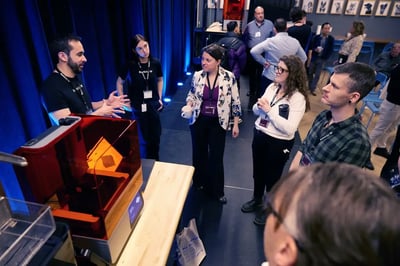
Teach 3D Printing With a Curriculum That Works
A ready-to-use 12-week syllabus built for higher education. Students go from CAD basics to hands-on SLA printing with Formlabs hardware. No experience required to get started.
- 12 weeks of structured, modular content with assignments built in
- Covers SLA printing, CAD modeling, prototyping, and finishing
- All course materials included at no charge to students
Get access to our free case study today. Just fill out the form and we'll send you the download link instantly. Your information is secure and will never be sold to third parties.
Built for educators who want students printing real parts.
If you're building or expanding a 3D printing program, this syllabus gives you a structured starting point backed by Formlabs hardware and CADimensions expertise.
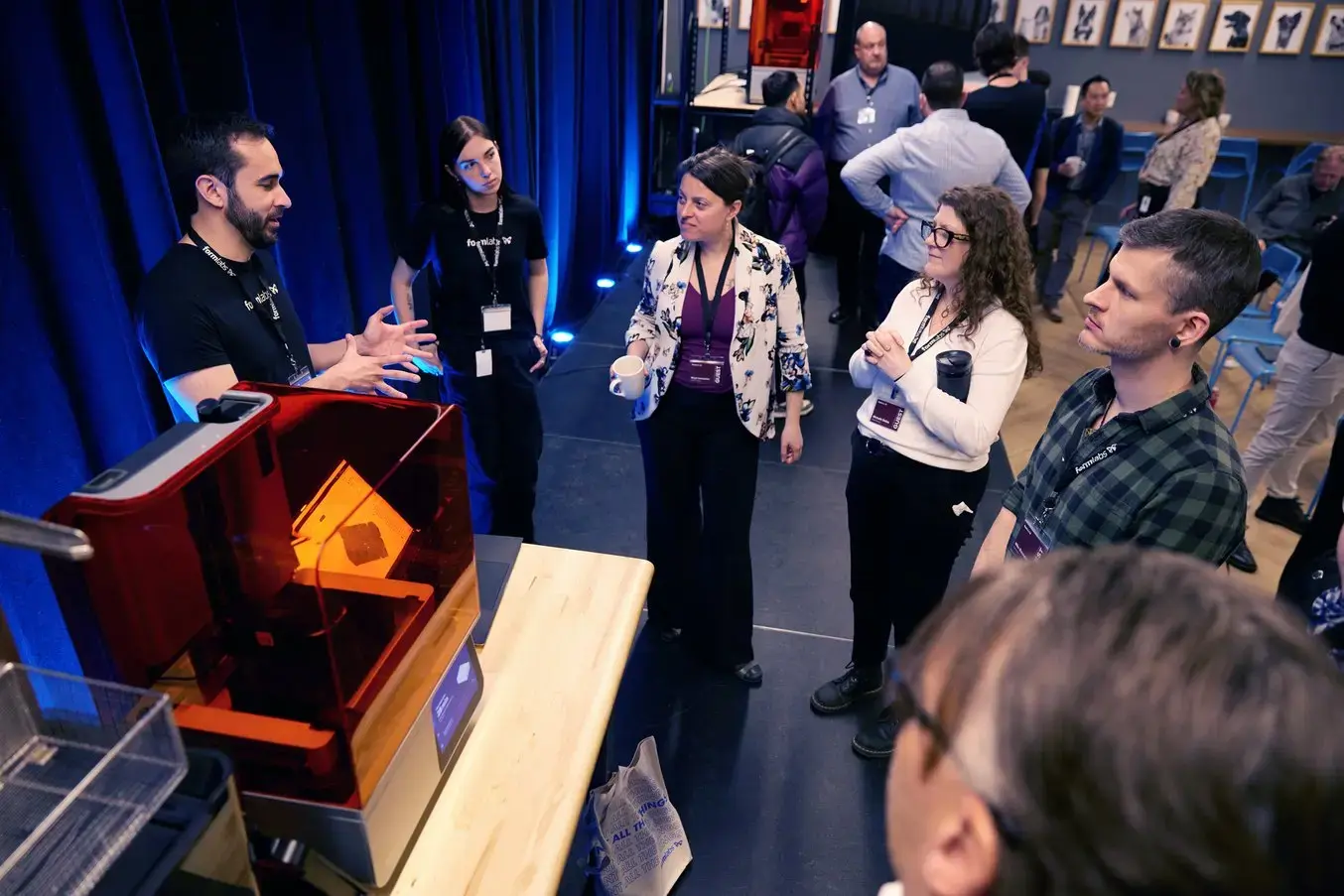
Higher Ed Faculty
Teach a full-semester course on SLA printing. The structure is there. The materials are included. You focus on teaching.
Program Administrators
Evaluate a ready-to-launch curriculum for your department before committing to equipment or expanded lab resources.
Engineering and Design Departments
Add a hands-on prototyping course that maps directly to industry workflows. Students graduate with practical print experience.
Makerspace and Lab Directors
Turn a lab full of Formlabs hardware into a structured learning program with clear milestones and assessments.
12 weeks. Structured from day one to final presentation.
The first six weeks build the foundation. The final six weeks put it to work with an independent prototyping project.
Introduction to 3D Printing
Printing processes, technologies, and how SLA compares to FDM and other methods.
3D Modeling Basics
CAD vocabulary, tools, and first hands-on exercise creating basic shapes in TinkerCAD or OnShape.
Print Preparation
Slicing software and PreForm setup practice. Students learn to prepare files before they ever touch the printer.
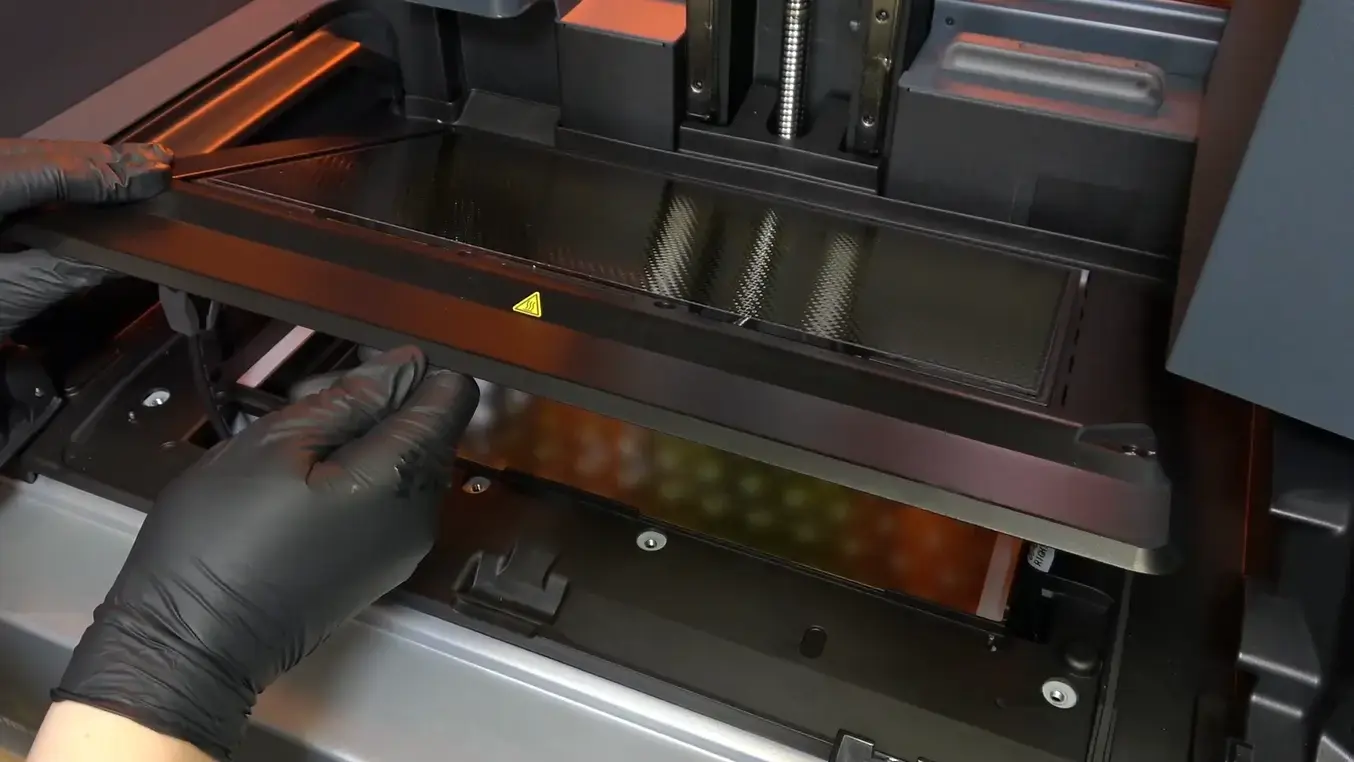
Printer Setup and First Print
Technical overview of the Form 3L. Safety procedures, printer setup, and completing the first print exercise.
Post-Processing and Industry Applications
Washing, curing, and finishing. Then a look at how 3D printing is applied across manufacturing, medical, and product design.
Independent Prototype Project
Students identify a problem, design a solution in CAD, print and test a prototype, finalize, and present their work.
What students can do when the course ends.
If you're building or expanding a 3D printing program, this syllabus gives you a structured starting point backed by Formlabs hardware and CADimensions expertise.

Complete full print projects
From model design through printing and finishing, end to end.
Compare printing technologies
Explain the differences between SLA and other methods with technical accuracy.
Apply CAD modeling best practices
Design print-ready models using industry-standard software.
Identify real-world applications
Connect 3D printing to manufacturing, healthcare, engineering, and product design.
Design and run prototype tests
Develop structured tests to verify that designs meet defined requirements.
Solve problems with 3D printing
Identify a real-world problem and design a printed solution independently.
This syllabus vs. building your own from scratch.
| Feature | This Syllabus | Building In-House | Generic Online Template |
|---|---|---|---|
| Hardware-matched content | ✓ Form 3L integrated | Requires custom work | Generic, not printer-specific |
| Assignments included | ✓ 5 quizzes, 3 exercises, 6 project components | You write them | Rarely included |
| Hands-on project structure | ✓ Scaffolded 6-week capstone | Varies, takes time to design | Usually missing |
| Student cost | ✓ Free materials, free CAD tools | Depends on selection | Often requires paid tools |
| Time to implement | ✓ Ready to use | Weeks to months | Requires significant adaptation |
Things faculty ask before getting started.